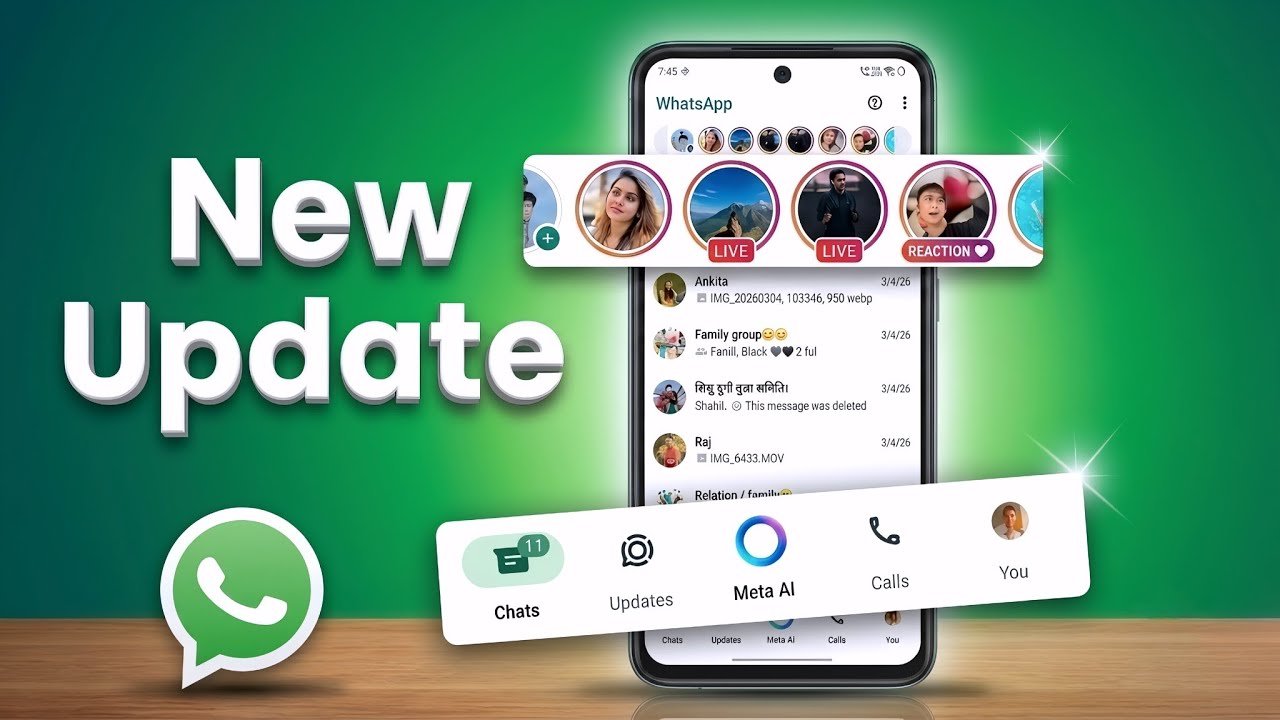
 by
by WhatsApp has quietly turned into something much bigger than the simple texting app most of us downloaded years ago. What started as a basic replacement for SMS has grown into a full communication hub that handles voice calls, video chats, payments, business support, and now even AI-powered conversations — all inside one green icon on your home screen.
If you haven’t opened your settings menu in a while, you’re probably missing out on some genuinely useful upgrades. Meta has been rolling out changes at a steady pace this year, and a few of them stand out as real game-changers rather than the usual minor tweaks. Below, we’ve broken down the five most important WhatsApp updates of 2026, what they actually do, and why they matter for your everyday chatting.
1. Usernames — Finally, You Can Chat Without Sharing Your Phone Number
For years, the biggest privacy complaint about WhatsApp was simple: to talk to someone, you needed their phone number, and they needed yours. That’s changed. WhatsApp has rolled out a global username system, letting you pick a unique handle instead of handing out your personal digits.
Here’s how it works in practice. Once you set up a username in your profile settings, people can find and message you using that handle alone — no phone number required. There’s no public directory and no autocomplete search, so random strangers can’t just guess their way into your inbox. You still control exactly who can see your number, and existing contacts and chats aren’t affected at all.
This is a huge deal for anyone who uses WhatsApp for online selling, freelance work, dating, or joining communities where you’d rather not broadcast your personal number to everyone in the group. It also cuts down significantly on the kind of spam and scraping that used to come with sharing your digits publicly.
How to set it up: Go to Settings > Profile > Username, then choose something unique. It’s free, quick, and honestly one of the most requested features WhatsApp has ever shipped.
2. WhatsApp Web Calling — Full Voice and Video Calls Right From Your Browser
If you’ve ever needed to jump on a WhatsApp call from a work laptop without installing the desktop app, you’ll appreciate this one. WhatsApp Web now supports full voice and video calling directly in your browser, complete with screen sharing, call reactions, a dedicated calls tab, and call history.
Previously, WhatsApp Web was mostly limited to text chatting, with calling stuck behind the separate desktop application. Now you can log in on any browser, on any computer, and pick up a call exactly as you would on your phone — encryption included, with no time limits and no hidden charges.
This matters most for remote teams, students working from shared or public computers, and anyone who simply prefers working from a browser tab instead of juggling multiple apps. It’s also a quiet nod to how much WhatsApp is being used for work-related conversations these days, not just casual chats with friends and family.
3. Seamless Chat Transfer Between Android and iPhone (Plus Multiple Accounts)
Switching phones used to mean one thing for WhatsApp users: losing years of chat history if you moved from Android to iPhone or vice versa. That painful gap has finally been closed. WhatsApp now supports direct, in-app chat transfer between the two operating systems, so your conversations, media, and group chats move with you instead of getting left behind.
Alongside this, iPhone users can now run two WhatsApp accounts on a single device — something Android users have had for a while. If you juggle a personal number and a business number, you no longer need a second phone or a workaround app to manage both.
Combined with improved storage tools that let you delete specific files from a chat without wiping the whole conversation, WhatsApp has made itself noticeably easier to manage long-term, especially for people who’ve been on the platform for years and have chats stretching back a decade.
4. Meta AI Integration — Smarter Replies and In-Chat Photo Editing
Love it or not, AI has made its way directly into your chat window. WhatsApp now includes Meta AI tools built right into conversations, offering suggested replies based on the context of your chat and quick photo editing before you hit send.
The photo editing tool is particularly handy — you can touch up an image, adjust it, or apply quick fixes without leaving WhatsApp to open a separate editing app first. The suggested-reply feature, meanwhile, reads the flow of a conversation and offers quick response options, which can be a real time-saver when you’re juggling multiple chats at once or replying on the go.
It’s worth noting that this rollout hasn’t been without controversy — regulators in the EU have raised questions about how deeply AI features are bundled into the app and whether users get enough choice around them. Still, for everyday users, the tools themselves are optional and can make quick replies and casual photo sharing noticeably faster.
5. Stronger Security — Advanced Protection Mode and Passkey-Secured Backups
Security has been one of WhatsApp’s biggest focus areas this year, and for good reason. With billions of users worldwide, the app has become a bigger target for phishing attempts, spyware, and account takeovers. In response, WhatsApp introduced an advanced protection mode designed for users who are at higher risk of targeted cyberattacks, such as journalists, activists, and business professionals handling sensitive information.
On top of that, encrypted chat backups now support passkey authentication, meaning you can secure your backup using biometrics like your fingerprint or face scan instead of relying solely on a password you might forget or reuse elsewhere. There’s also Advanced Chat Privacy, which restricts other users from exporting, forwarding, or saving media from a specific chat — a small feature that adds a real layer of control when you’re discussing something sensitive.
None of these tools eliminate risk entirely, but together they show WhatsApp is taking a more proactive stance on protecting everyday users rather than only reacting after a breach makes headlines.
Final Thoughts
WhatsApp in 2026 barely resembles the app it was five years ago. Usernames give you back control over your privacy, browser calling makes working across devices painless, chat transfer finally solves the Android-to-iPhone headache, AI tools speed up daily use, and the new security layer gives peace of mind to anyone worried about being targeted online.
Not every user will need every feature right away, but it’s worth spending five minutes in your settings menu to turn on the ones that fit how you actually use the app. Small changes like these tend to make the biggest difference once you get used to having them.
Frequently Asked Questions
Is the WhatsApp username feature available to everyone? Yes, it has rolled out globally, though you may need to update the app to the latest version to see the option in your settings.
Do I need the WhatsApp desktop app to make calls on the web version now? No. Web Calling works directly through your browser at web.whatsapp.com, without needing to download the separate desktop application.
Will transferring chats between Android and iPhone delete my old messages? No, the official transfer tool is designed to move your chat history, media, and group conversations over, not delete them, as long as you follow the in-app transfer steps correctly.
Can I turn off Meta AI suggestions if I don’t want to use them? Yes, the AI-powered suggestions and editing tools are optional and can generally be dismissed or disabled from within the app’s AI settings.